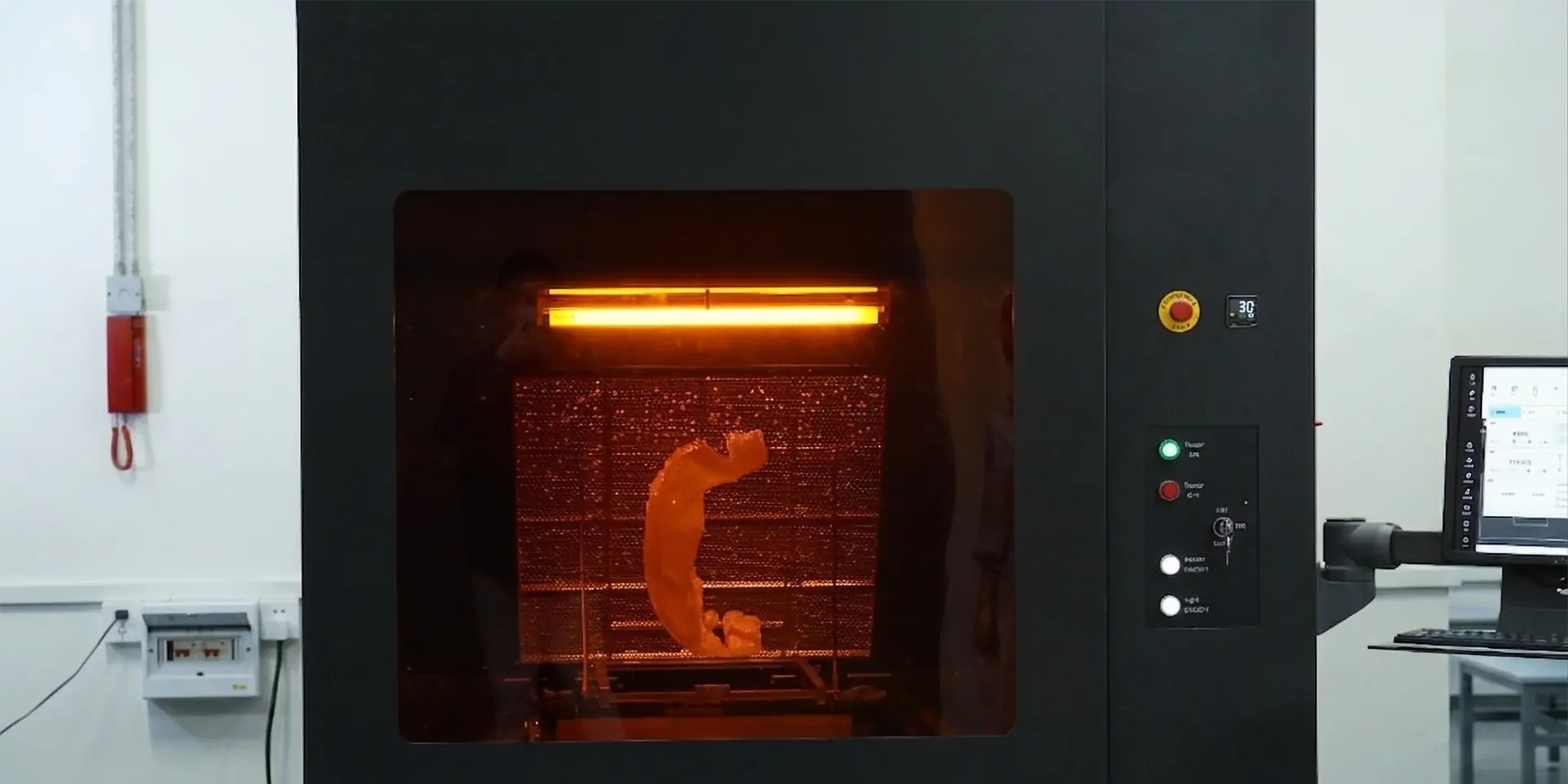
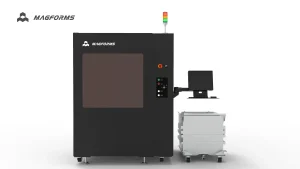
An Industrial SLA 3D Printer enables manufacturers to produce large, high-precision prototypes, functional components, and complex models with excellent surface quality. However, achieving consistent production results requires more than advanced laser technology.
Resin management, platform calibration, optical system maintenance, and printing parameters all influence print reliability. For manufacturers using stereolithography systems, issues such as failed builds, surface defects, dimensional errors, and unexpected downtime can affect productivity and increase production costs.
This guide answers the most common questions about Industrial SLA 3D Printer printing problems and explains practical solutions to improve print success rates, production stability, and workflow efficiency.
For manufacturers exploring different industrial stereolithography solutions, our Industrial SLA 3D Printer category provides an overview of large-format SLA systems designed for prototyping, tooling, and production applications.
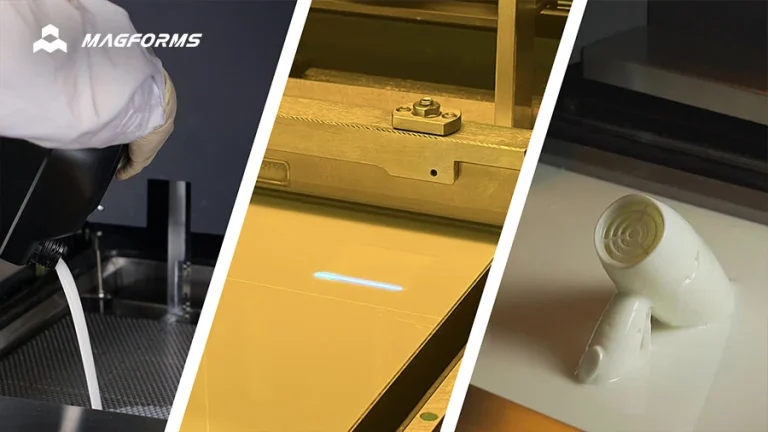
Why Do Industrial SLA 3D Printer Parts Fail During Printing?
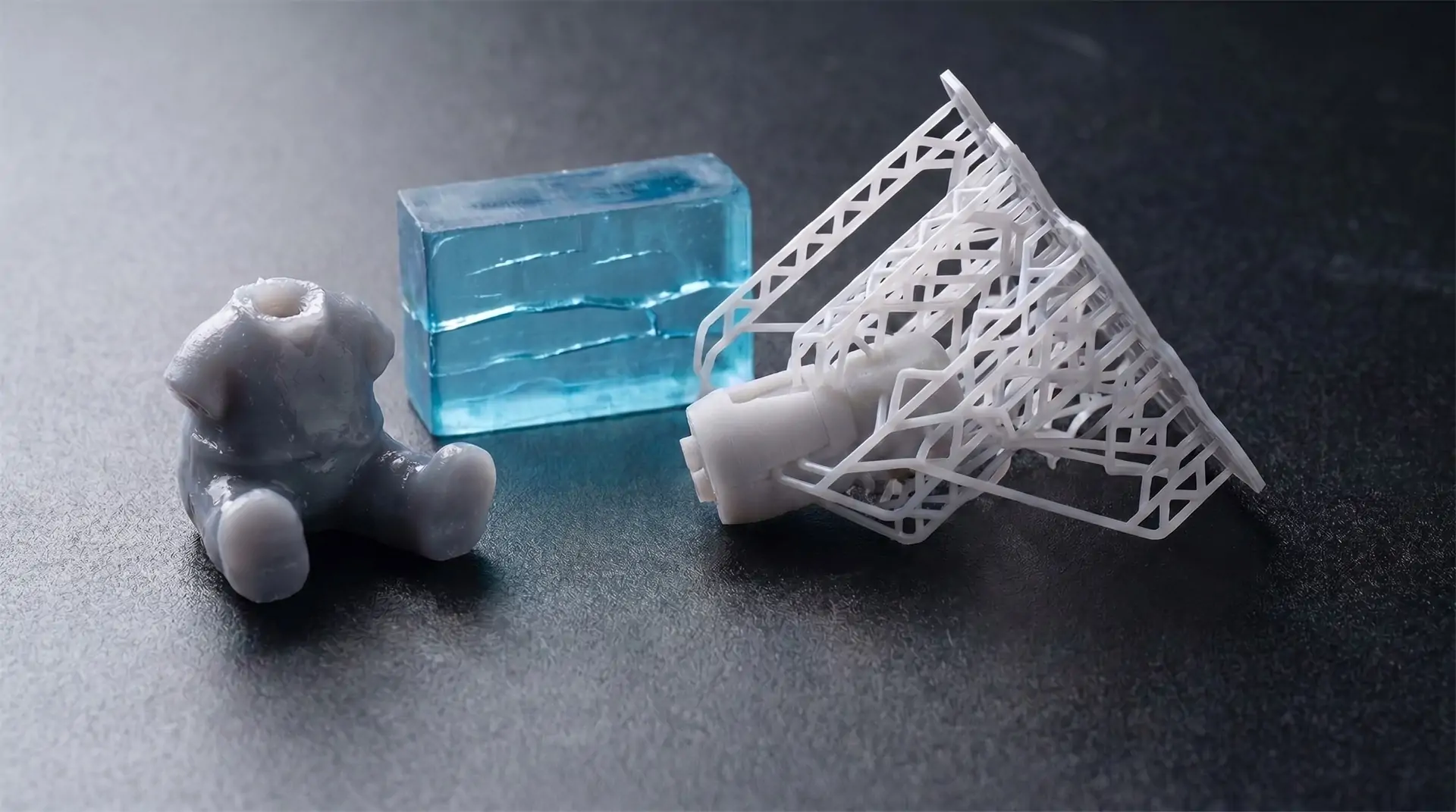
Print failure is one of the most common concerns for industrial users. A failed build may result from several factors, including unstable resin flow, incorrect recoater settings, insufficient platform preparation, or unsuitable printing parameters.
When multiple parts fail during the same build, manufacturers should first check the resin management system and recoater movement. Excessive liquid level fluctuation, incorrect recoater height, or insufficient recoater adsorption can affect layer formation and reduce adhesion between layers.
Common solutions include:
· Cleaning and calibrating the liquid level sensor
· Adjusting recoater height
· Optimizing recoater adsorption settings
· Maintaining proper resin temperature and viscosity
A stable material handling process is essential for improving the reliability of an Industrial SLA 3D Printer and reducing repeated print failures.
How Can I Improve SLA Printing Success Rate?
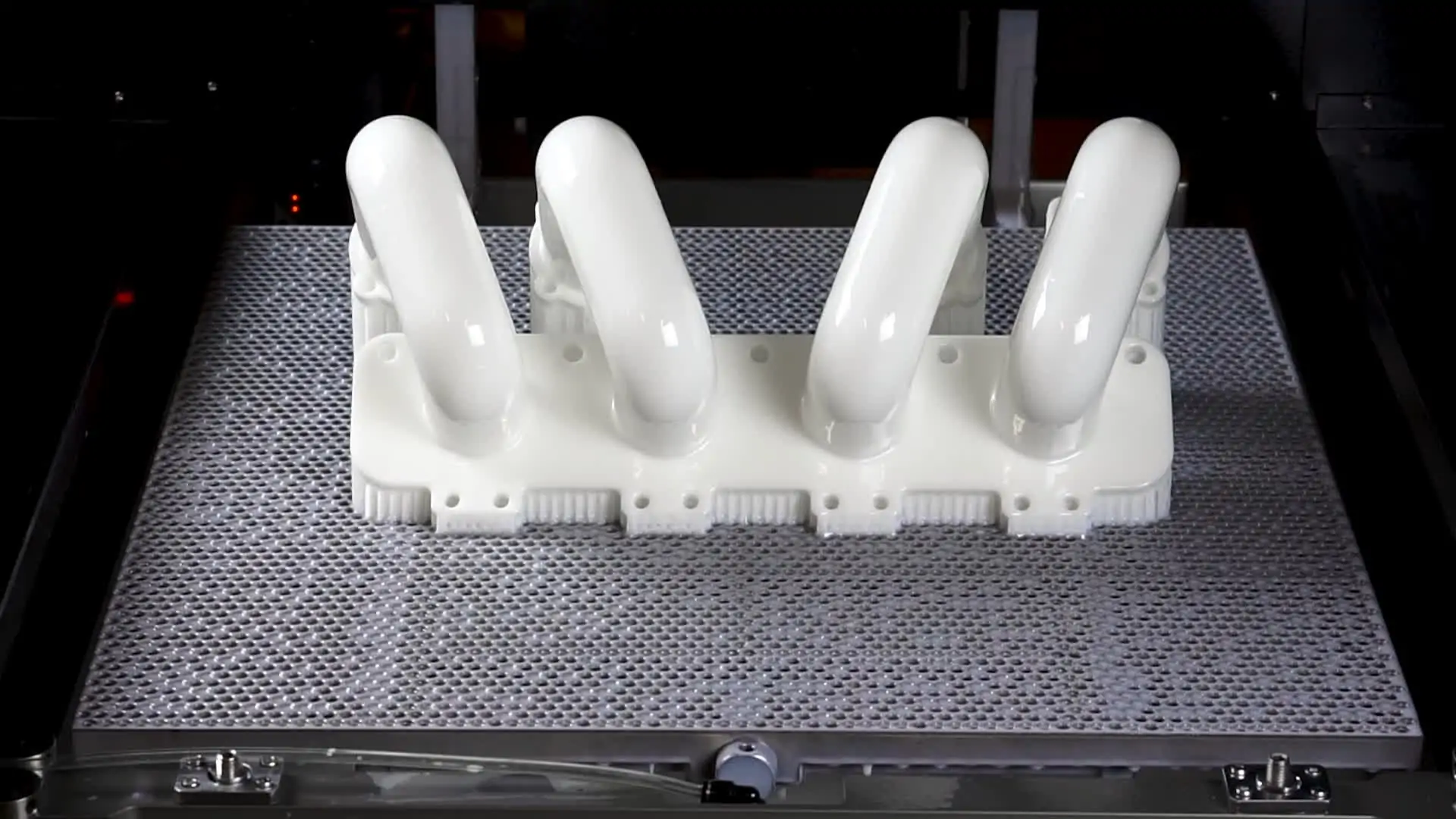
Improving SLA printing success requires more than solving individual failures. Manufacturers need a complete workflow that combines machine calibration, material control, and optimized printing parameters.
Key methods include:
· Maintaining stable resin temperature
· Checking optical components regularly
· Optimizing support structures
· Verifying platform leveling before production
· Maintaining consistent printing parameters
Large-format SLA printing requires additional attention because larger parts create higher demands on resin flow, curing consistency, and mechanical stability.
A properly maintained Industrial SLA 3D Printer can deliver repeatable production performance across different applications.
Why Do SLA Printed Parts Have Surface Defects or Poor Details?
Surface quality problems may appear as unclear holes, rough edges, excessive cured debris, or missing fine features.
These issues are often related to the optical system. Components such as mirrors, beam expanders, galvanometers, and F-Theta lenses directly influence laser focusing accuracy.
When optical components become contaminated, laser energy distribution may become uneven, affecting curing precision and surface quality.
Recommended solutions include:
· Inspecting optical components regularly
· Cleaning the F-Theta lens
· Checking the laser transmission path
· Replacing damaged optical components when necessary
Maintaining optical precision is critical for achieving the high detail resolution expected from industrial stereolithography.
Why Do SLA Printed Parts Warp or Show Dimensional Errors?
Warping and dimensional deviation usually occur when printing conditions are unstable.
Common causes include:
· Uneven resin temperature
· Excessive curing stress
· Incorrect laser parameters
· Improper platform calibration
For large prototypes and industrial parts, temperature control and mechanical stability become especially important.
Manufacturers can reduce deformation by optimizing printing parameters, maintaining consistent environmental conditions, and ensuring proper machine calibration.
Why Do Some Areas of the Build Platform Print Successfully While Other Areas Fail?
When failures only appear in specific areas, such as the front, back, or corners of the platform, uneven platform leveling is often the cause.
An unbalanced build platform may create different printing forces across the surface, resulting in inconsistent layer bonding.
Recommended solutions include:
· Checking marble platform leveling
· Adjusting recoater height
· Recalibrating the printing platform
Proper calibration ensures consistent performance across the entire build area and helps maintain stable print quality.
How Does Resin Management Affect Industrial SLA Printing Quality?
Resin properties directly affect printing stability and final part quality.
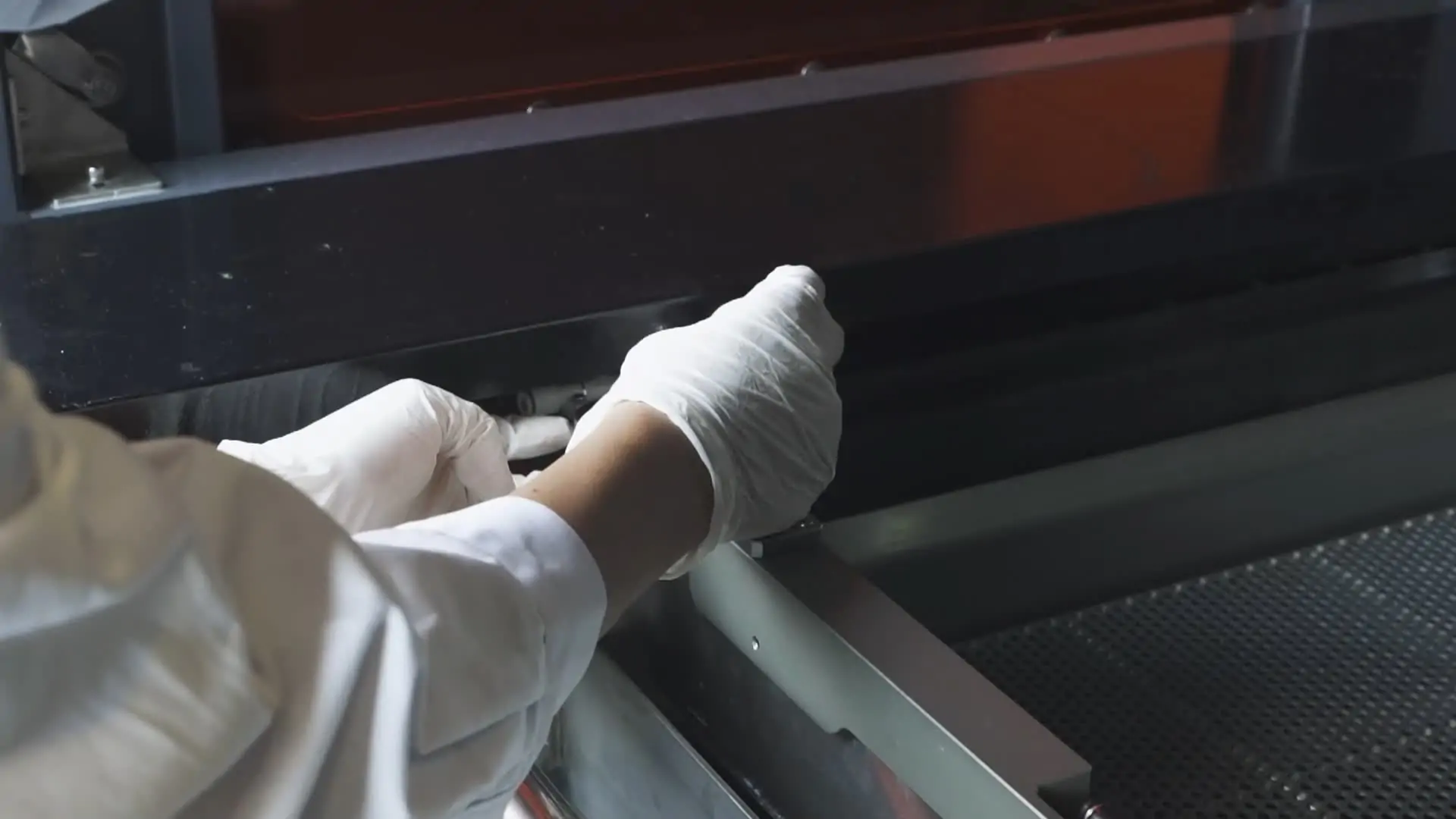
High-viscosity resin may flow slowly during recoating, causing incomplete layers, uneven curing, or surface defects. In these situations, manufacturers can improve results by:
· Activating resin heating systems
· Increasing platform settling delay
· Increasing recoater movement delay
· Maintaining suitable resin viscosity
Effective resin management helps maintain consistent layer formation during long production cycles and improves the reliability of an Industrial SLA 3D Printer.
What Maintenance Practices Help Prevent Industrial SLA Printer Downtime?
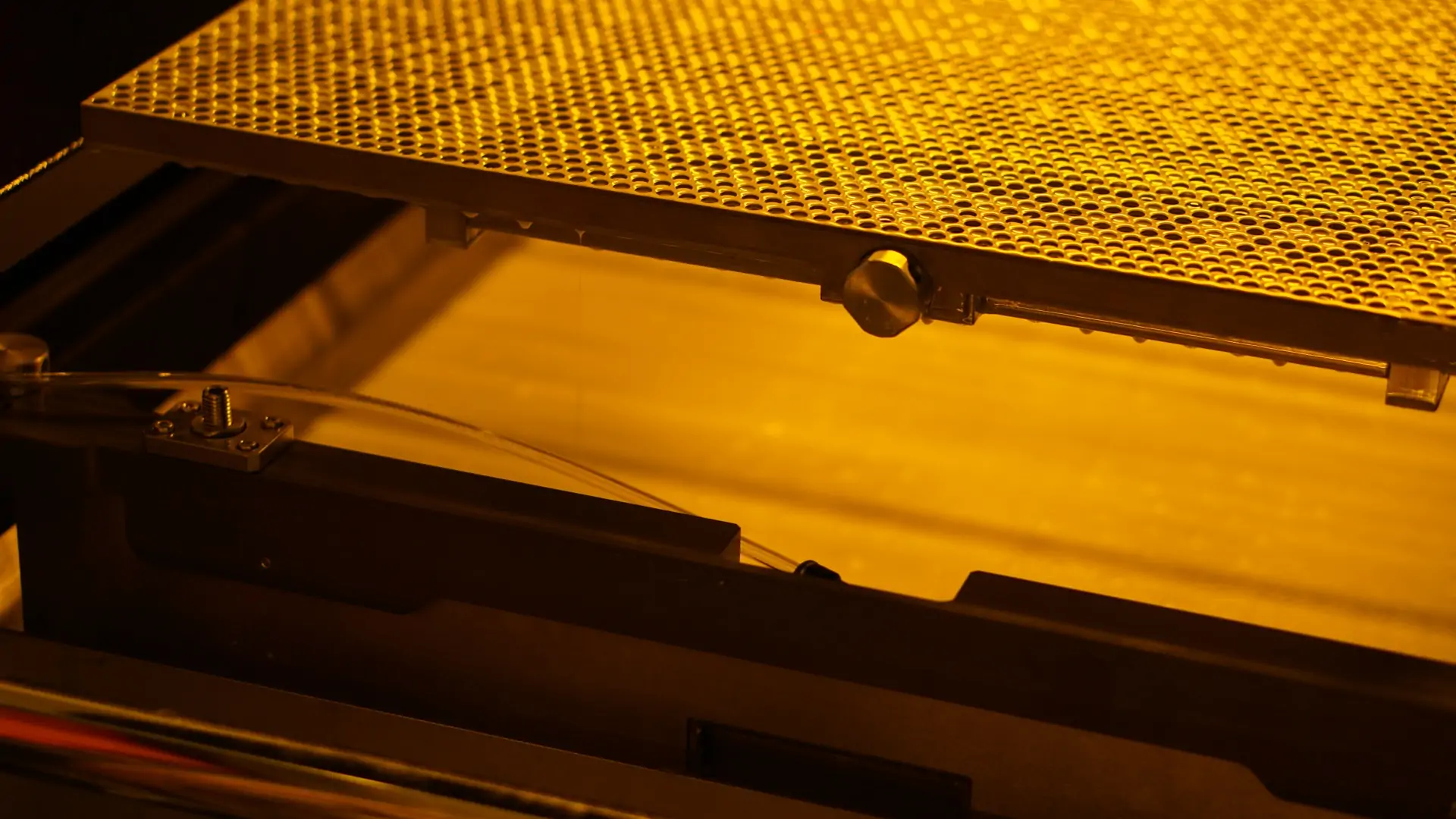
Regular maintenance protects printing accuracy and reduces unexpected production interruptions.
Important maintenance tasks include:
· Cleaning optical components
· Inspecting laser transmission paths
· Checking recoater systems
· Verifying platform movement stability
· Inspecting mechanical connections
For industrial environments where printers operate continuously, preventive maintenance is essential for maintaining stable performance over repeated builds.
How Can Manufacturers Improve SLA Production Reliability?
Beyond daily maintenance, manufacturers need a standardized production workflow to achieve reliable SLA printing.
Production reliability can be improved through:
· Regular parameter verification
· Consistent material handling procedures
· Preventive maintenance schedules
· Monitoring critical machine components
A reliable industrial printing system should not only provide high accuracy but also maintain stable operation throughout long production cycles.
| Reliability Factor | Common Risk | Recommended Action |
| Resin Management | High resin viscosity or unstable temperature may affect recoating and layer formation | Maintain proper resin temperature and optimize recoating settings |
| Recoater System | Incorrect recoater height or insufficient adsorption may cause uneven layers | Adjust recoater alignment and verify stable recoating performance |
| Platform Calibration | Uneven platform leveling may cause inconsistent adhesion or partial failures | Check platform leveling and recalibrate when necessary |
| Optical System | Contaminated optical components may reduce laser focusing accuracy | Inspect optical components and maintain a clean laser transmission path |
| Printing Parameters | Incorrect laser power, scanning speed, or delay settings may affect curing quality | Optimize parameters based on resin properties and part requirements |
| Mechanical Stability | Loose platform connections or Z-axis movement issues may cause misalignment | Check mechanical components and ensure stable movement |
Why Do SLA Printed Parts Become Misaligned or Shifted?
Layer shifting and misalignment are usually related to mechanical stability issues.
Possible causes include:
· Loose build platform
· Loose Z-axis coupling
· Mechanical movement errors
Solutions include:
· Reinstalling and locking platform components
· Checking Z-axis connection stability
· Performing system calibration
Mechanical precision is a key factor in maintaining industrial SLA accuracy and repeatable part production.
How Does Helios-P800 Solve Common Industrial SLA Printing Challenges?
For manufacturers producing large prototypes, industrial tooling, and complex models, equipment stability is critical.
The Helios-P800 Industrial SLA 3D Printer is designed for large-scale stereolithography applications with an 800 × 800 × 550 mm build volume, enabling users to produce larger parts with fewer assembly steps.
By addressing common challenges such as print failures, accuracy issues, resin management problems, and production interruptions, Helios-P800 provides manufacturers with a more stable industrial SLA workflow.
Its industrial workflow focuses on:
· Stable laser scanning performance
· Large-format production capability
· Consistent printing accuracy
· Reliable long-term operation
By combining precision hardware, optimized process control, and industrial-scale capacity, Helios-P800 helps manufacturers improve production efficiency and achieve more predictable manufacturing results.
Explore more details about Helios-P800 Industrial SLA 3D Printer and discover how large-format SLA technology supports advanced manufacturing applications.
You can also learn how manufacturers apply industrial SLA systems in real production environments through our Helios-P800 Large Prototype Printing Application Case.
Conclusion
Printing failures, surface defects, resin-related issues, and accuracy problems are common challenges in industrial stereolithography. However, with proper calibration, resin management, optical maintenance, and workflow optimization, manufacturers can significantly improve printing reliability.
Choosing a capable Industrial SLA 3D Printer allows companies to achieve higher production efficiency, better part quality, and more predictable manufacturing results.